

How To Use the Pro Trailer Backup Assist in the Ford F-150
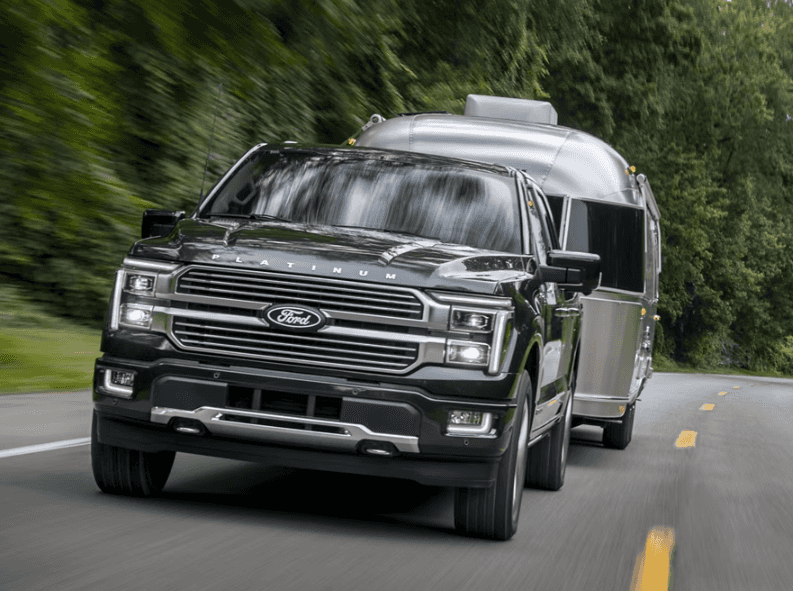
One of the hardest parts of hauling a trailer is backing it up. This requires control and finesse, especially if you’re doing it without help. Ford has made this chore less challenging by introducing the Pro Trailer Backup Assist feature to many of its vehicles, including the F-150. To help you understand how to operate this system, our team at Planet Ford Dallas has compiled this comprehensive guide.
What Is the Pro Trailer Backup Assist in the Ford F-150?
The Pro Trailer Backup Assist feature guides the trailer along an intended path using cameras and sensors. You can operate it by turning a knob on the dashboard. Using this rather than the steering wheel lets you control a trailer more precisely, which is particularly helpful if you’re moving it in a confined area. The feature can store settings for up to 10 separate trailers, making it easier for you to meet different hauling requirements. It’s also worth noting that setting up this feature takes just 10 to 15 minutes if you prepare all the required materials beforehand.
Compatible Ford F-150 Models
The Pro Trailer Backup Assist kit is only available for newer F-150 model years, including the XL, XLT, LARIAT, King Ranch, TREMOR, Raptor, and Platinum trims. You can’t fit older trucks with this system. If you want a truck with this capability, our knowledgeable team at Planet Ford Dallas can give you a list of options depending on your needs, preferences, and budget.
Preparing for Setup: What You Need Before Activation
What you need depends on whether your F-150 has a sensor or sticker setup. A sensor kit contains a dock station, a sensor housing assembly with a mounting bracket, a 10-foot wire harness, and tie straps. A pair of scissors can come in handy during installation. For a sticker setup, the kit includes a sticker and sticker placement card, both of which are in the pocket of the Pro Trailer Backup Assist Quick Start Guide. Get your hands on a measuring tape so you can attach the sticker properly.
Materials included in other model years may vary. If you’re not sure whether you have what you need, contact us at Planet Ford Dallas for assistance.
Safety Precautions and Initial Checks
Before activating the system, attach the trailer to the F-150. Park them on flat ground, making sure they’re in line with each other. Check that the area is free of hazards and that the trailer connection is tight before you proceed. Press the knob to the right of the steering wheel, and then follow the instructions provided.
Step-By-Step Guide to Setting Up Pro Trailer Backup Assist
To set up the Ford F-150 trailer backing assist system, you need to install the trailer sensor or place the sticker, calibrate the system, and pair your trailer with the system.
Installing the Trailer Sensor
Complete the following steps to install the trailer sensor:
- Clean the side of the trailer where you’re going to attach the sensor. Your chosen area should pivot when your truck is turning.
- Remove the protective covering on the sensor housing adhesive.
- Install the housing with its two arrows pointing up.
- Secure the docking station to the trailer using zip ties, cutting off the excess to keep the assembly neat.
- Plug the wire harness into your pickup and sensor. You can then loosely wrap the rest of the wiring around the trailer tongue and secure it with zip ties.
Completing the Sticker Setup
Follow these steps if you have a sticker setup:
- Choose a flat, horizontal surface on the trailer’s green zone, which is between 4 and 19 inches from the trailer ball hitch.
- Clean the area, mark it, and make sure there are no obstructions in the view from the camera to the sticker by looking at the vehicle’s touch screen.
- Place the sticker when the temperature is above 32 degrees Fahrenheit.
Calibrating the System
Calibrate the system in an open area by following the onscreen instructions. The system may instruct you to drive straight first, then turn right or left at least 90 degrees multiple times until the touch screen notifies you that the calibration is complete. This process enables the system to determine the trailer’s length.
Pairing Your Trailer With the Ford F-150 System
Press the center of the knob. On the screen, choose Add a Trailer and enter a name for it. Select the trailer type — usually Conventional — and then calibrate it. The system will store the trailer’s data, so you only need to choose it from the menu when needed.
Using Pro Trailer Backup Assist
Follow best practices to operate the Pro Trailer Backup Assist system with ease.
Activating the System
Here’s a simple walkthrough to activate the system:
- Place your F-150 in park.
- Push the center of the knob to turn on the system, then choose the trailer connected to the truck from the list.
- Activate Pro Trailer Backup Assist by shifting into reverse and removing your hands from the steering wheel.
- Turn the knob right or left to steer the trailer in your desired direction.
- Release or return it to the center position so your truck will follow the same path.
Mastering the Knob: Intuitive Maneuvering Techniques
The longer you hold the knob while it’s oriented left or right, the sharper the turns will be. Release it once you’re satisfied with the trailer’s path. Refrain from turning and releasing the knob quickly to prevent jerky movements from your pickup.
Maintaining Your Pro Trailer Backup Assist System
Regularly check for updates to the system and download them. Make sure every component — including cameras and sensors — is clean and functional to ensure the system works properly.
Here are some common problems with the system and how to address them:
- Trailer not detected: Clean the sticker and camera lens, or check the area is sufficiently lit.
- Trailer not reversing straight: Turn the knob slowly and hold its position when the trailer is moving in your desired direction.
- System isn’t available: Check whether your F-150’s battery has a charge.
If the issues persist or there’s a problem you can’t address, contact our team at Planet Ford Dallas. You can also use premium towing mirrors and trailer sensors to improve the system’s performance.
Learn More About the Pro Trailer Backup Assist at Planet Ford Dallas
The Pro Trailer Backup Assist system makes backing up your trailer easy. Contact us at Planet Ford Dallas to find out how to operate, maintain, and troubleshoot it correctly. We also invite you to explore our new Ford vehicles online or visit our Dallas, Texas, dealership to discover the models with this useful feature.
0 comment(s) so far on How To Use the Pro Trailer Backup Assist in the Ford F-150